
Locations, Venues & the Location Bank
Manage shooting and production locations once – and reuse across teams, projects and productions.

Location page with details

Location list

Location Bank
Production location management software,
built for modern productions.
Table Of Content
Managing locations is no longer a single-project task. For entertainment, sports, broadcast, and drama productions, locations are long-term operational assets that require structure, continuity, and reuse.
Dramatify is a production management platform for broadcasters and production companies. Its Locations and Location Bank features connect and organise day-to-day location work with a company-wide location library that develops across productions.
From early planning to call sheets and reporting, every location and venue stays connected to scheduling, weather, documentation and logistics in one shared production environment.

The Location Bank: a company-wide location library
The Location Bank is a centralised database of all locations ever used across your company’s productions.
Every time a location is added to a project, it is automatically collected and organised in the Location Bank. Over time, this builds a shared operational memory that reduces duplicate work and improves consistency across productions.
The Location Bank lets your teams:
- Reuse previously approved locations
- Access images, contacts and information from past productions
- Maintain consistent core information across projects
- Start new productions with a real-world location and venue foundation already in place
Core location data is managed in the Location Bank, while project-specific details are handled inside each production. This keeps information accurate without locking productions together.
Locations inside each production
Within each production, locations are managed in a structured location list that supports the full range of production needs.
Dramatify supports:
- Shooting locations and studios with alternatives
- Unit bases and production offices
- Medical emergency locations
- Service facilities (rehearsal rooms, dance studios, fitting rooms and meeting rooms)
- Hotels and accommodation
- Transport hubs (airports, train stations and team pickup locations)

Location pages with all critical information in one place
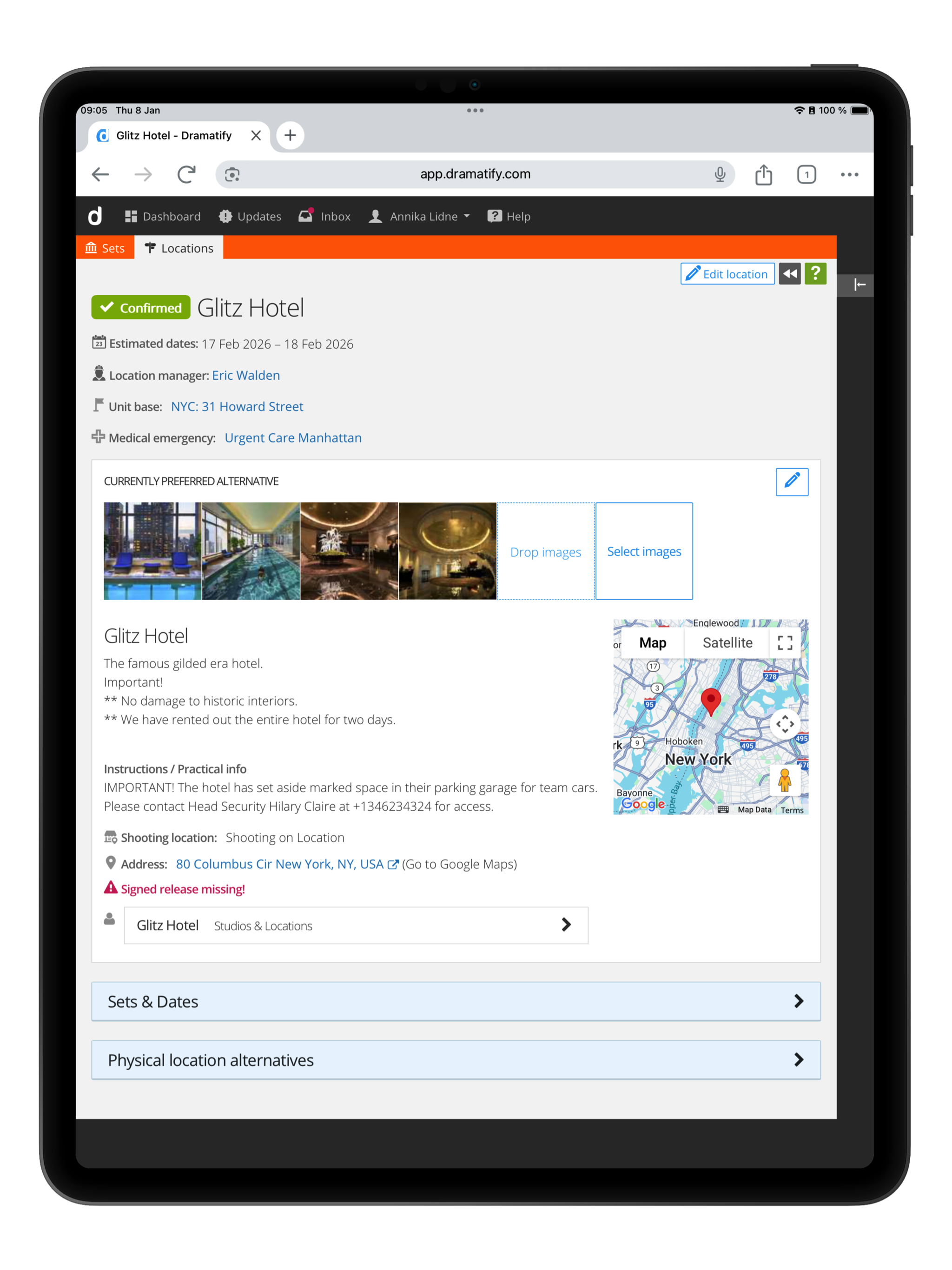
All essential location details in one view
Each location has a dedicated page that brings together everything the production needs to know.
-
- Addresses, GPS coordinates and descriptions
- Linked scenes and shoot dates
- Addresses, GPS coordinates and descriptions
- Status indicators showing readiness
- Permits and releases
Because locations are deeply integrated into Dramatify, this information appears consistently across schedules, call sheets and reports without manual duplication. Shooting locations also include unlimited alternative locations. Update your chosen primary location with a click, and Dramatify updates all linked location data in real-time!
Location alternatives:
Add first, select later.
Productions often evaluate multiple venues, studios or shooting locations before making a final decision. Dramatify allows teams to create any number of alternative locations for shooting locations under a single entry, keeping all options structured and easy to compare.
Each alternative can include the same level of detail as a standard location. One option is set as the primary location, but this can be changed at any time.
When the primary location is changed, the update is reflected in real time across all integrated features, including schedules, call sheets and reports. This ensures everyone works from the same confirmed location without manual updates or follow-up communication.


Image galleries for clear collaboration
Every location (and location alternative) includes an image gallery that works as a shared visual reference.
Add scout photos, reference images or images to make the location or venue easier for the team to navigate. This makes decisions clearer and avoids fragmented conversations across email and chat tools.
Maps, directions and production logistics.
Dramatify includes interactive maps directly on each location. View standard maps, satellite imagery or Street View, and get directions from your current position. Travel times and routes stay accessible whether teams are planning in the office or working on location. You can even plan the exact point for a helicopter landing from the comfort of your office!


Weather and medical emergency locations in call sheets
Weather data is automatically linked to each shooting location.
A rolling ten-day forecast is included in call sheets and updated regularly, covering temperature, wind and daylight times. Manual weather notes can be added when productions require specialised information.
Optional medical emergency locations are stored alongside shooting locations, ensuring nearest hospitals or emergency facilities are always available to the production team.
Permits, releases and documentation where they belong.
Location-related permits and releases are attached directly to the locations.
Upload permits or releases, and mark locations that still require documentation. Releases (attached or missing) are automatically tracked in the Daily Production Report. This reduces the risk of missing paperwork and keeps responsibility clear throughout pre-production.
Additional files and contracts can be shared with strict permission settings in the Docs & Resources section.


Clear status indicators across your location list.
Locations change quickly during planning.
With simple, colour-coded status icons, teams can instantly see which locations are new, pending, require attention, or confirmed. One update is reflected everywhere the location appears.
Connected to scheduling, call sheets and reports.
Locations in Dramatify are not static records. They are active parts of the production workflow.
Locations feed directly into stripboard reports, schedules, call sheets and custom reports, ensuring that updates propagate across the production without manual rework. Reports attached to each feature can be filtered by location type, unit base or status to support both planning and execution.

Location management that improves with every production
With the Location Bank, location management becomes a long-term operational asset rather than a per-project reset.
Each production adds knowledge. Each update improves accuracy. Over time, your company builds a dependable location library that supports entertainment, sports, broadcast, reality and drama productions at scale.
Take it to the Next Step
Book a demo to see how production location management and a company-wide Location Bank work together in Dramatify.
Or try Dramatify for free and experience a more structured way to manage locations across productions.
Integrated features across the production workflow.
Check out our other features that integrate with your new production software.

Production Budgeting
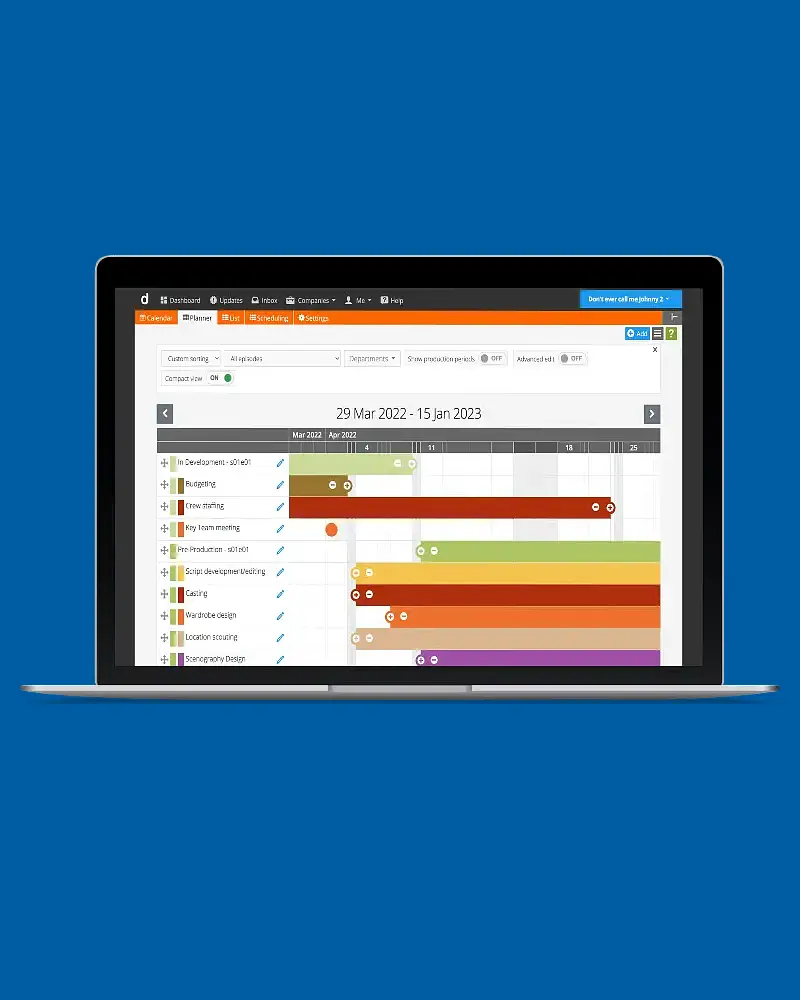
The Production Planner
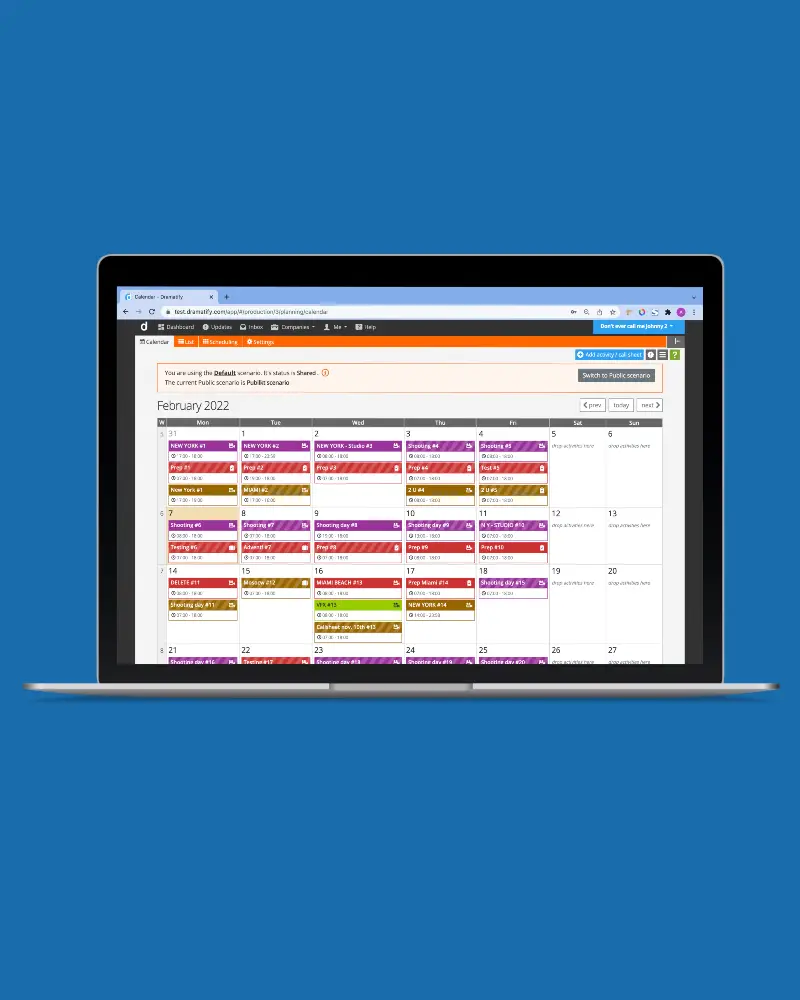
The Production/Shooting calendar

Day planner - the show planner
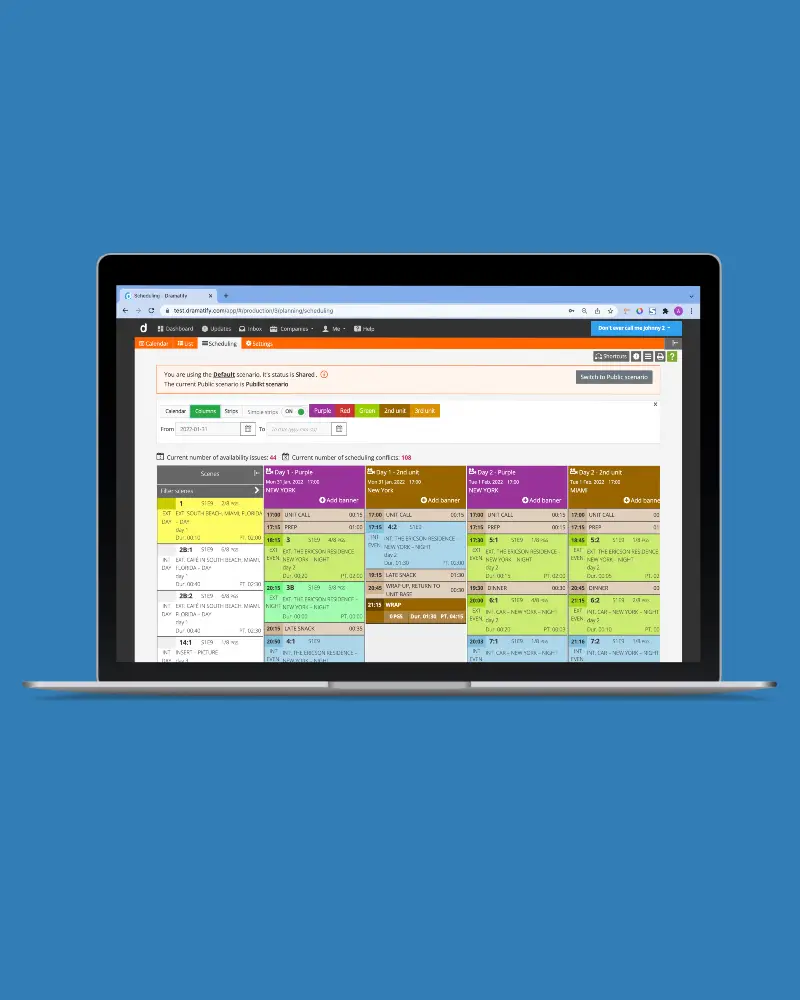
Multi-scenario shooting scheduling
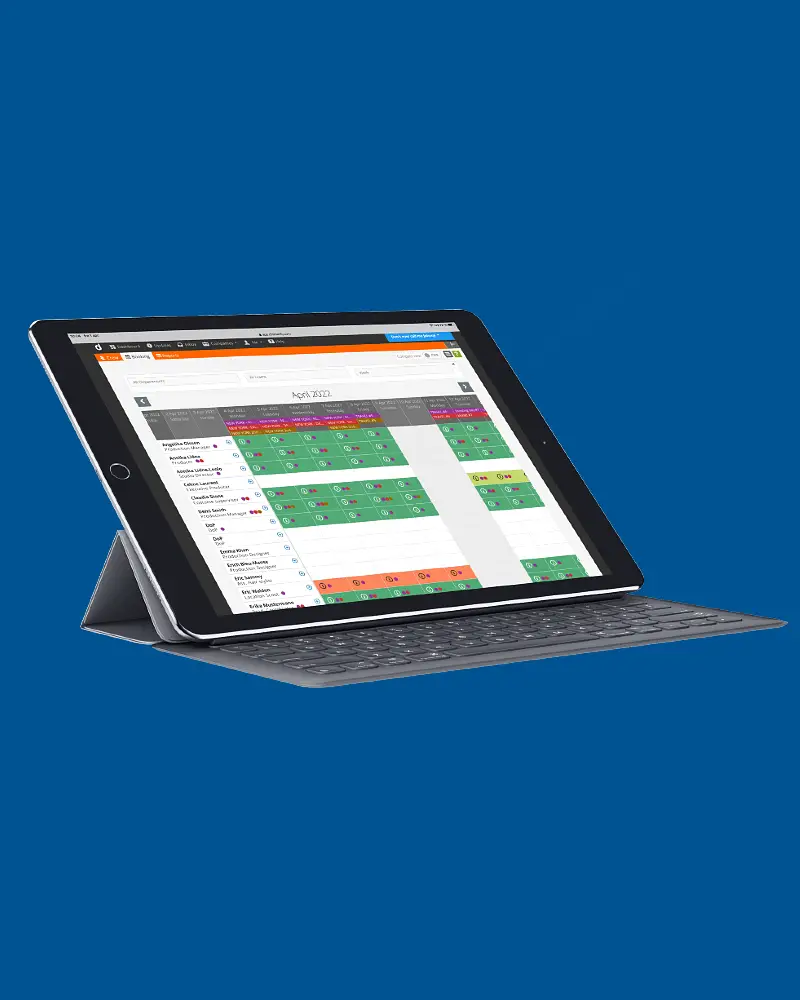
Crew scheduling
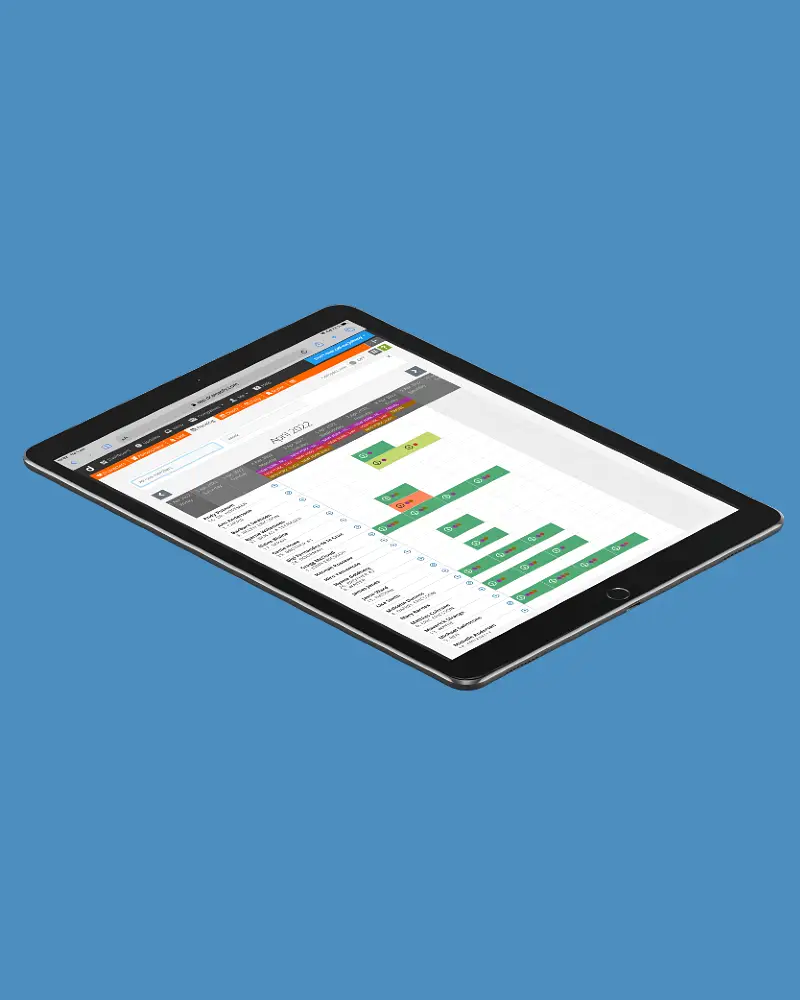
Cast scheduling & availability
Integrates with shooting scheduling & call sheets
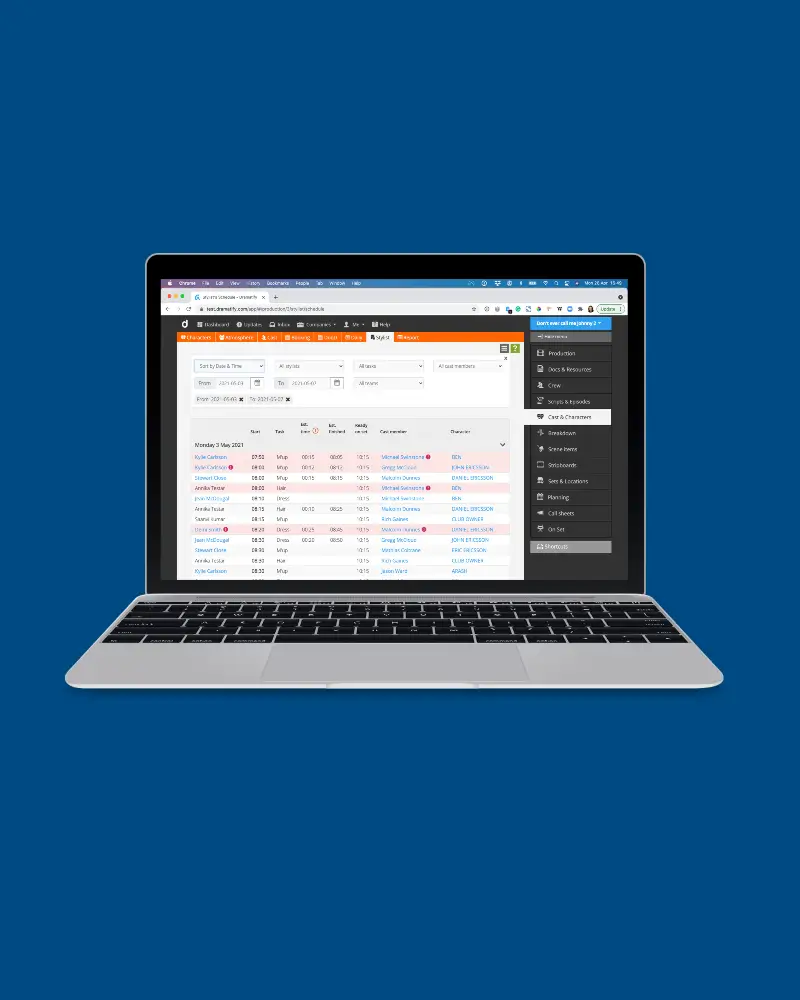
Automatic Stylists' schedules
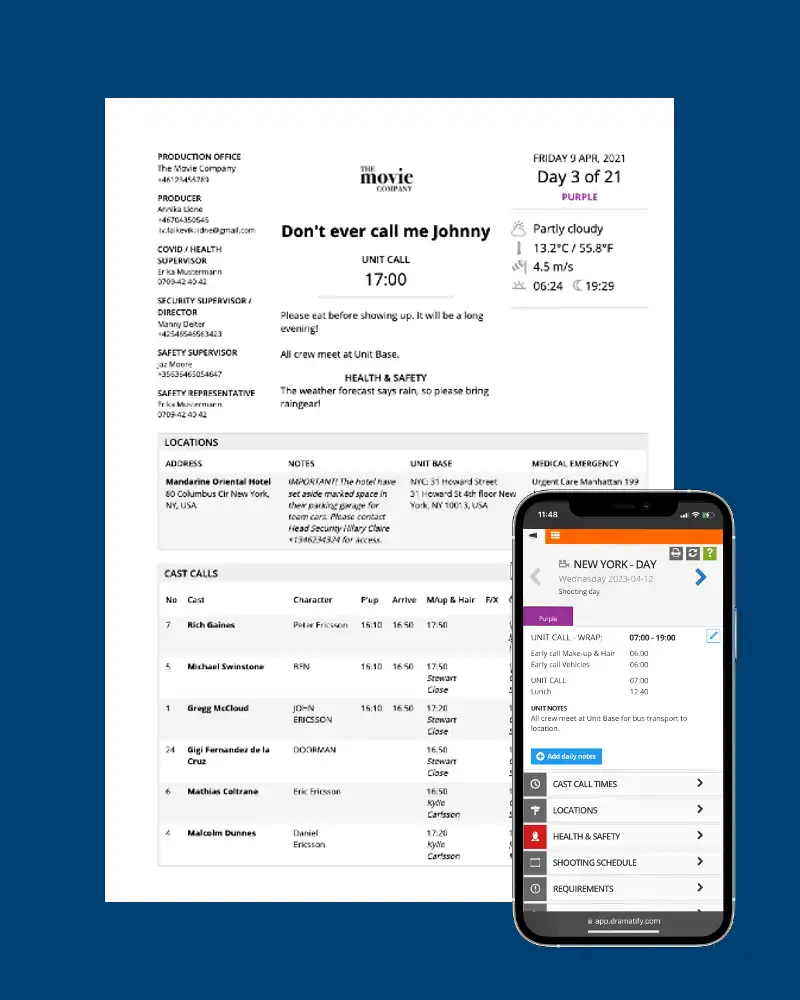
Call sheets

Stripboards & reports
Try Dramatify today!
30 day free trial. No credit card required.